#LowPower #EInk #Clock based on #RaspberryPi #RP2040
My trusty ESP8266-based clock recently developed a fatal flaw — one segment of its display stopped working. While still usable, it became annoying enough to justify a redesign. Instead of repairing it, I took the opportunity to build a cleaner, low-power solution: an e-ink clock powered by the Raspberry Pi RP2040.
Why E-Ink?
E-ink displays are the gold standard for “calm” home hardware. They consume power only during updates, remain perfectly readable in any lighting, and offer a paper-like aesthetic that doesn’t scream for attention. The trade-off is the slow refresh rate, but for a clock that doesn’t need to track seconds, it’s a non-issue.
The “Low Distraction” Prototype
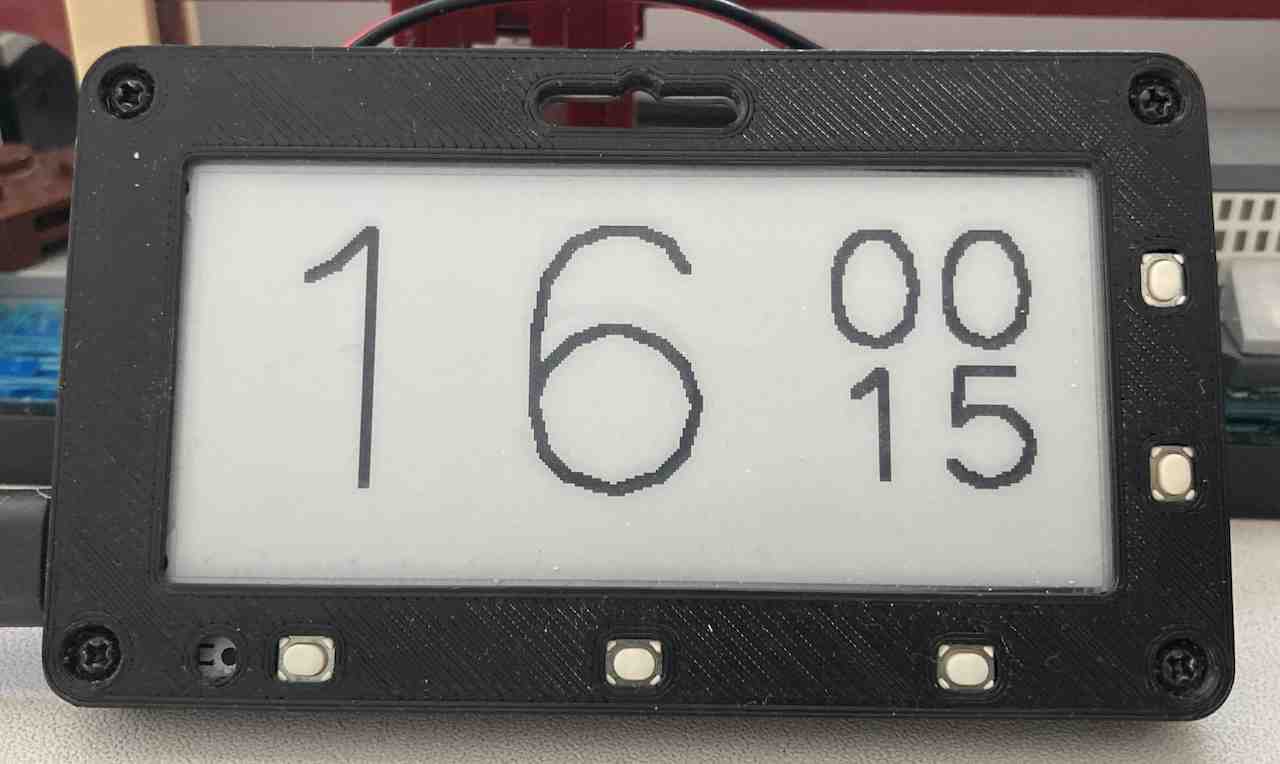
I am currently prototyping the logic on a Pimoroni Badger 2040. Since this is a “living room” device, the goal is to minimize visual noise. The clock follows a strict update schedule to save power and reduce flickering:
- time is shown in 15-minute intervals (30-minute at night),
- the display updates only when the interval changes:
- use turbo refresh for minor updates,
- use fast refresh every hour to reduce ghosting.
The Core Logic (MicroPython)
The script uses the RTC to check if we’ve entered a new interval. If not, it simply waits.
def current_time():
    _, _, _, _, hour, minute, _, _ = rtc.datetime()
    return hour, minute


def interval_length_for(hour):
    return 15 if 7 <= hour < 21 else 30


def interval_for(hour, minute):
    length = interval_length_for(hour)
    start = (minute // length) * length
    return start, start + length, length


def draw_clock(hour, minute):
    ...  # render the clock face for the given time


def redraw_display_if_needed():
    global last_interval_key

    hour, minute = current_time()
    start, _, _ = interval_for(hour, minute)
    interval_key = (hour, start)

    if last_interval_key is not None and hour == last_interval_key[0]:
        display.set_update_speed(badger2040.UPDATE_TURBO)
    else:
        display.set_update_speed(badger2040.UPDATE_FAST)

    if interval_key != last_interval_key:
        draw_clock(hour, minute)
        last_interval_key = interval_key


def button_handler(pin):
    ...  # adjust time based on which button was pressed


for button in (button_add_hour, button_next_interval, button_prev_interval):
    button.irq(trigger=machine.Pin.IRQ_RISING, handler=button_handler)

while True:
    redraw_display_if_needed()
    time.sleep(60)
Moving Beyond the Prototype
While the Badger 2040 is a great testing bed, the final version will be more ambitious. The goal is to move to a larger e-ink panel (likely 4.2” or 7.5”) and a custom RP2040-based board.
Next steps include refactoring the code to use machine.deepsleep() and expanding the project into a full e-ink photo frame that can display both, the current time and nice sketches.